What’s new
What’s new for companies
Of everything we added to Mentornity in the last year, these matter most for your HR and talent development team: employee matching, development measurement and reports ready for leadership. All of it is ready to use today.
- 72updates
- 8platform languages
- 2iOS and Android apps
 From the Mentornity team
Watch the updates in 4 minutes
The highlights on the real screens, in one video.
The video loads from YouTube (youtube-nocookie.com) only when you press play.
Highlights
The updates that change your program most, on the real screens.
- 01
October 22, 2026
Mentornity AI
An assistant for your HR team that knows the program. It finds which employees need attention, suggests matches and drafts the report and the e-mail. Nothing changes until you approve.
- Program health and HR reporting
- Match suggestions for your employees
- Targeted e-mail and announcement drafts
- 02
November 11, 2026
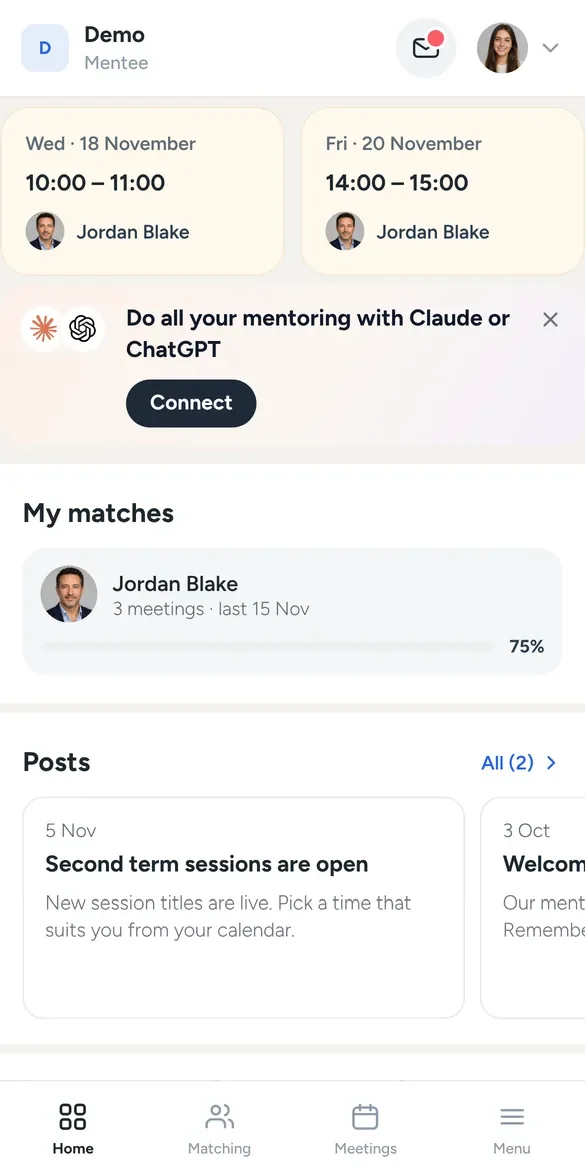
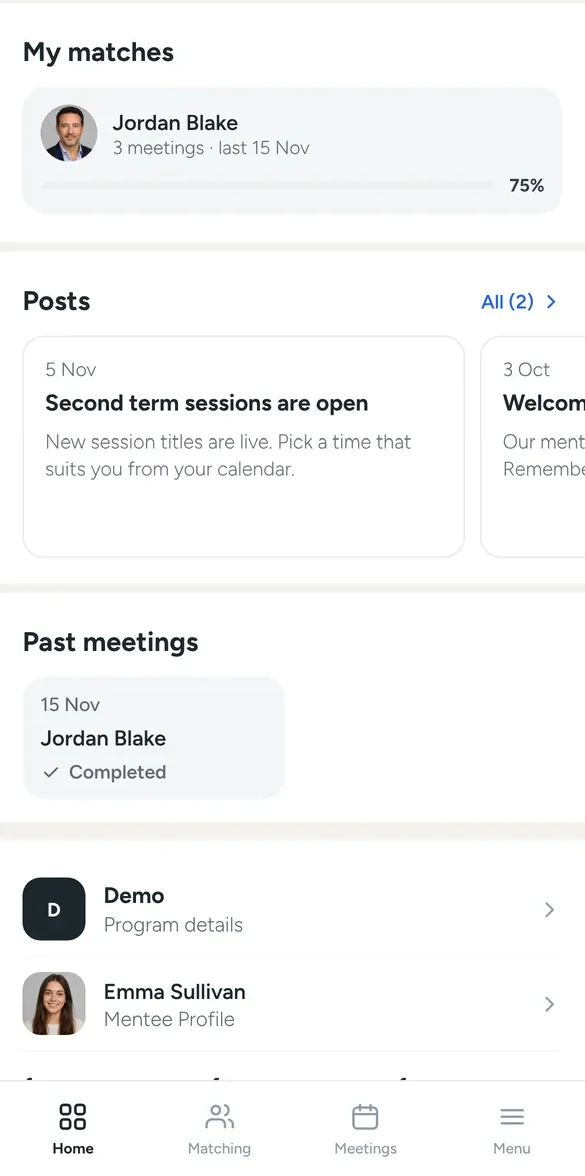
Mentornity Mobile Apps
Employees follow the program on their phone, with message and meeting notifications as they happen. Teams away from a desk stay part of the program too.
- Program and meetings in your pocket
- Message and meeting notifications
- On the App Store and Google Play
Details - 03
April 24, 2026
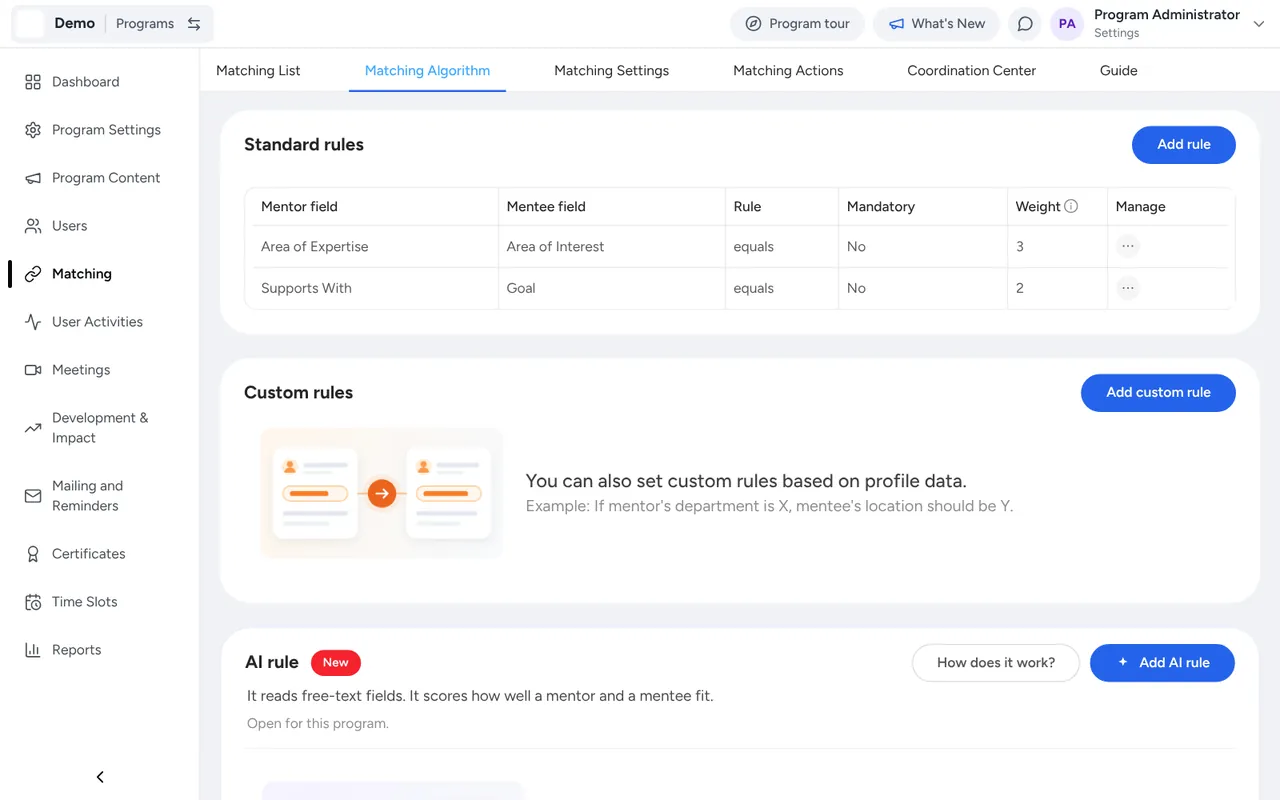
A rebuilt matching system
Compare mentor and mentee employees side by side and build your own algorithm on department, seniority and development goals. The Coordination Center follows every match.
- Department and seniority rules
- Side-by-side comparison of candidates
- Coordination Center and coordinator role
- 04
October 20, 2026
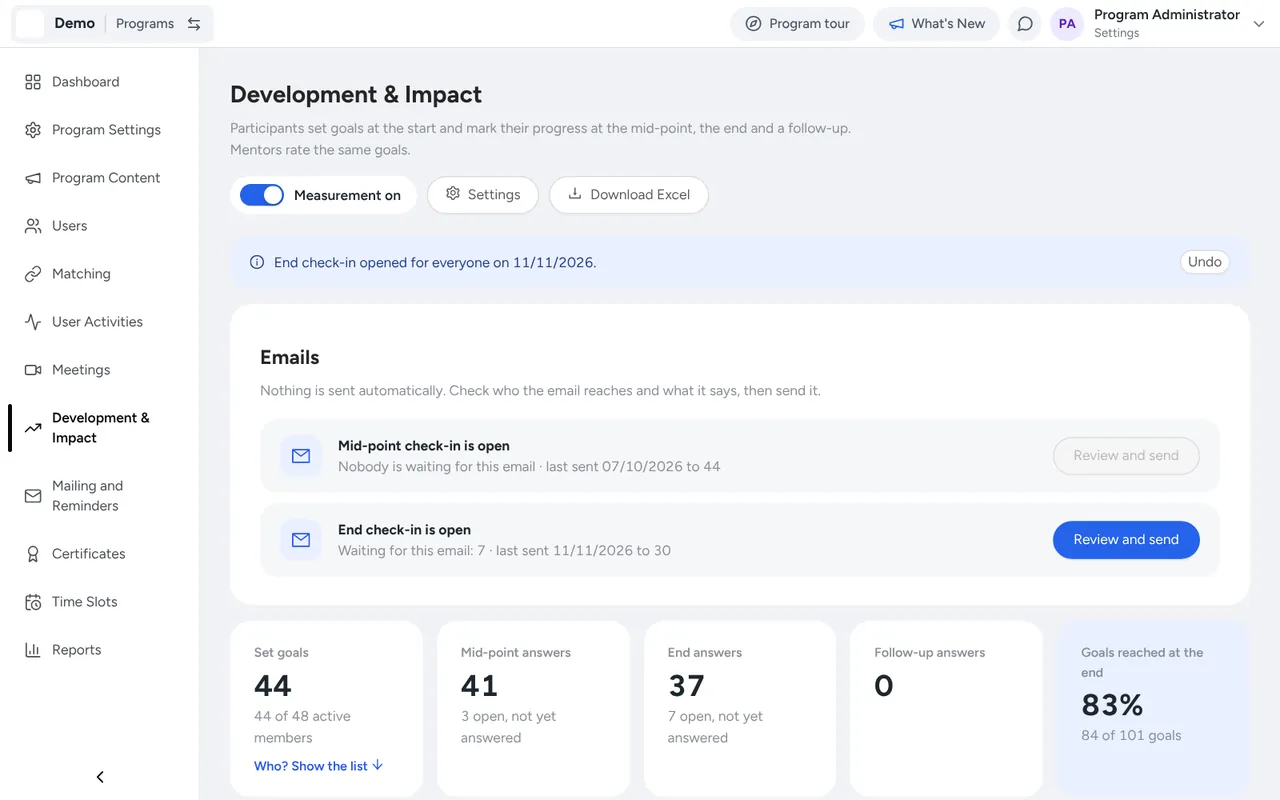
Development & Impact
Show what the program does for employee development in numbers, not guesses. Competency goals, mid and end measurements, results ready for leadership.
- Quick setup with ready competency sets
- Measurements run without your effort
- An impact report ready for leadership
- 05
July 26, 2026
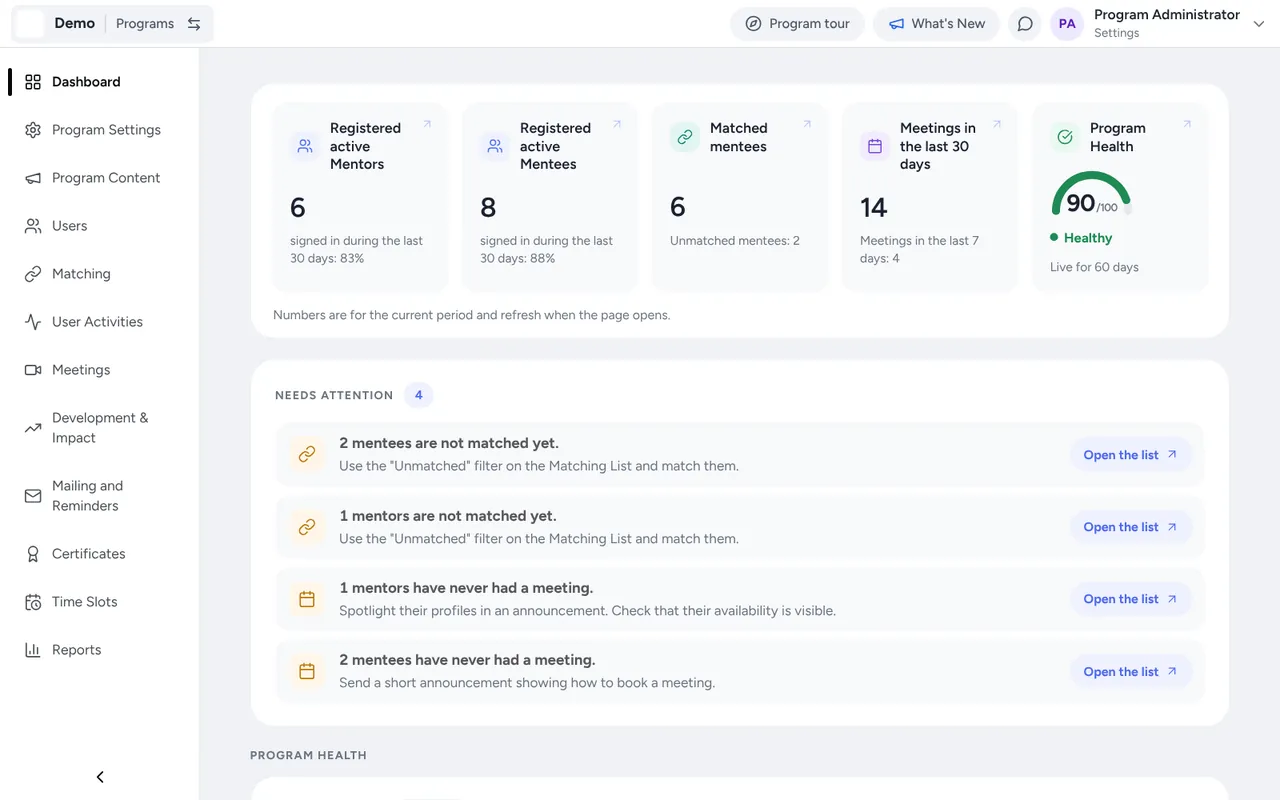
Fully redesigned screens
The panel home is now your program’s live control room: counters, a health score and the employees who need attention. Settings, meeting pages and the My Programs board are redesigned too.
- Live control room and health score
- New settings and meeting pages
- Every program on one board
- 06
October 20, 2026
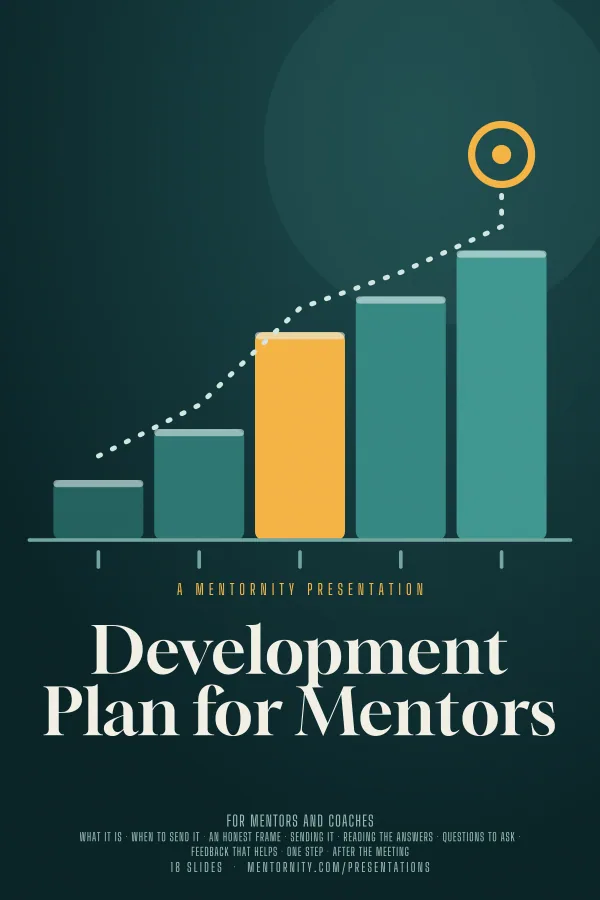
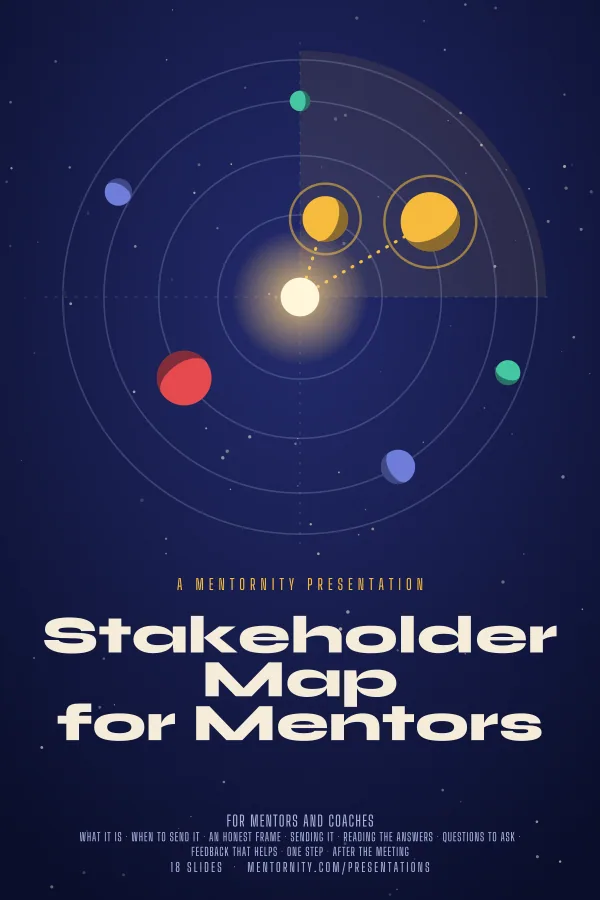
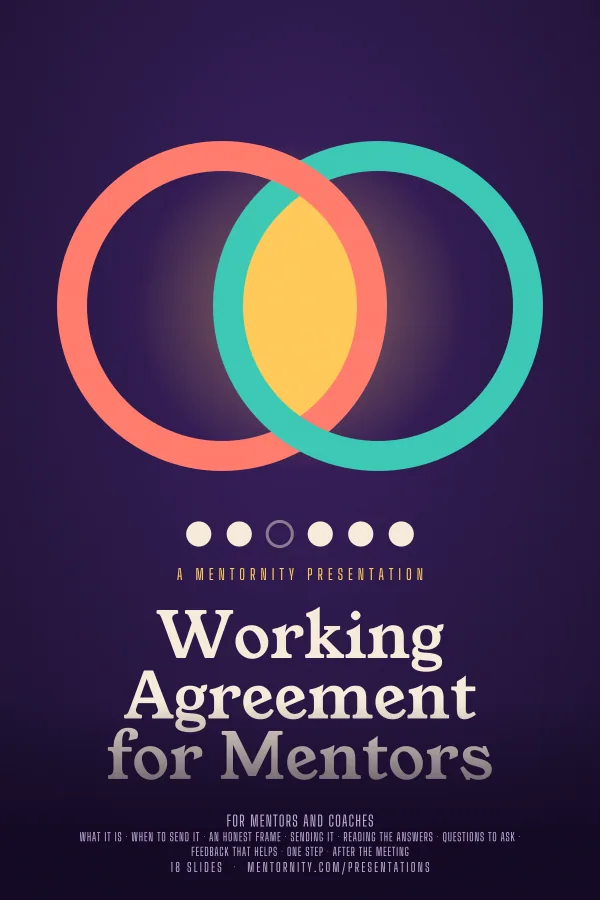
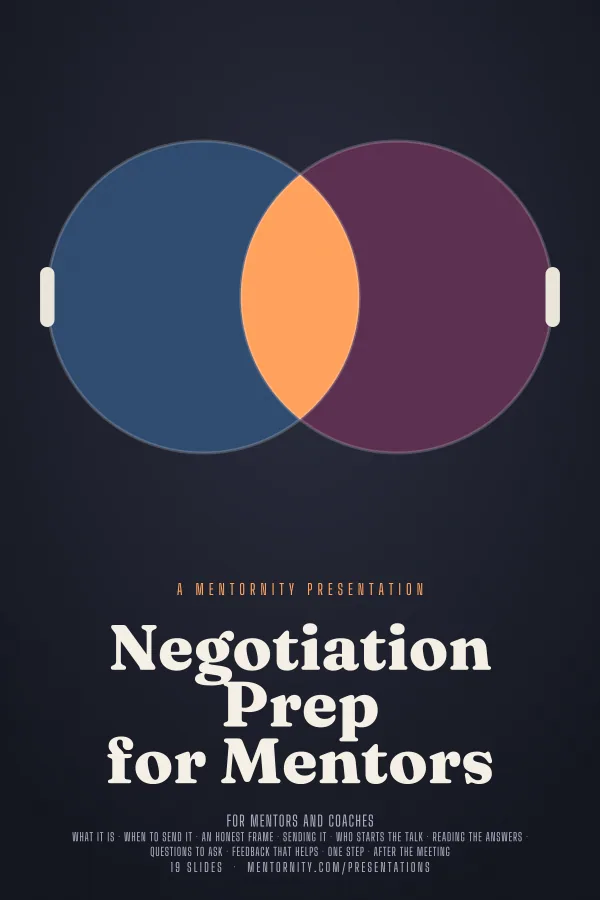
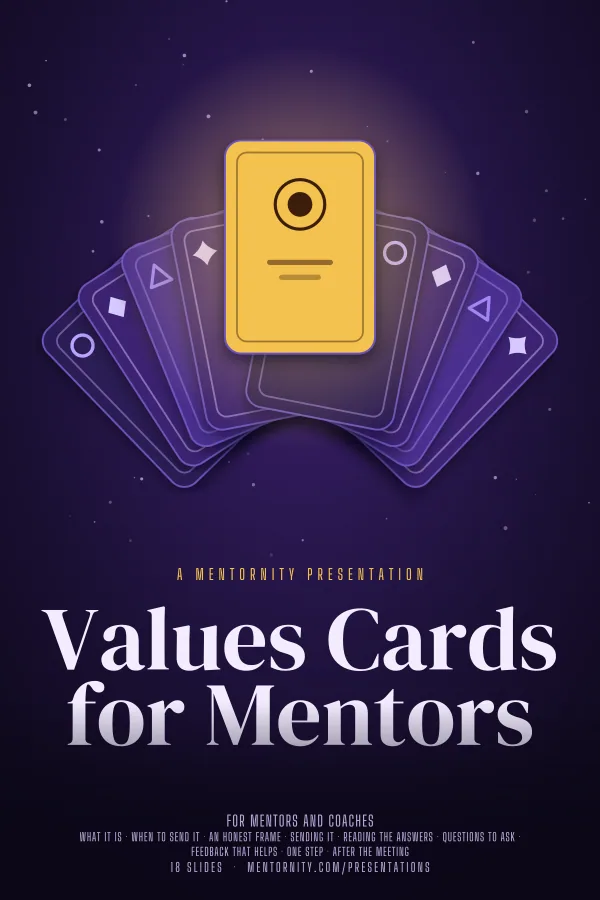
Mentoring Tools
With more than 30 ready-made tools, mentoring goes beyond a chat. The mentor sends an employee a career, leadership or development-goal exercise; the employee comes prepared and the meeting ends with a concrete development step.
- 30+ tools for career, leadership and goals
- More focused, outcome-driven meetings
- Only the matched pair sees the answers
- 07
October 29, 2026
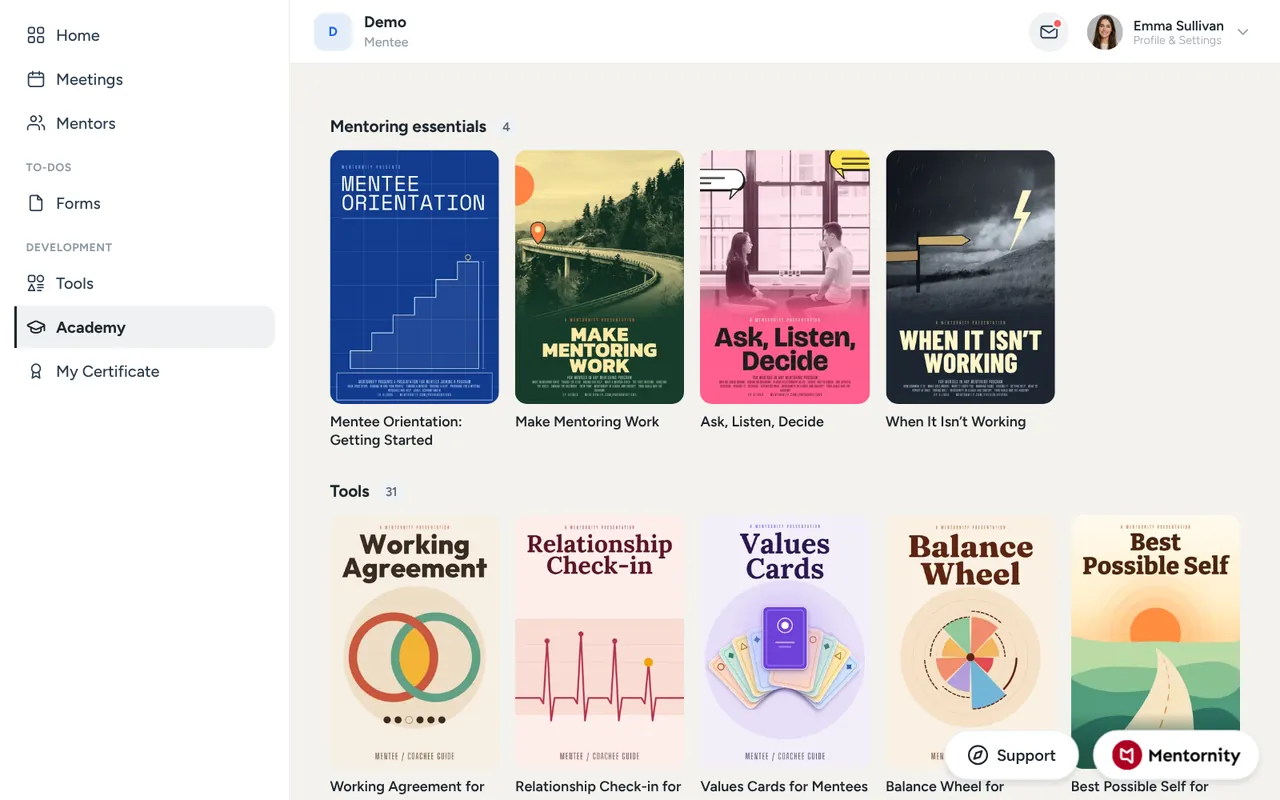
Mentornity Academy
Mentors build mentoring skills in short courses; when they pass the exam they earn a shareable badge shown next to their name.
- Short lessons and exercises
- Exam
- Shareable badge
- 08
August 22, 2026
To-do lists
Write tasks, checklists and training content once. Employees tick them off on their own card and you see who has finished.
- Tasks, checklists and training
- Everyone ticks off their own card
- Who has finished, at a glance
- 09
November 1, 2026
Next steps after every meeting
Every match keeps one shared list of next steps: what, who and by when. Both sides add and tick items, and the owner gets a reminder the day before it is due. Meetings that took place are on record too.
- One shared list of next steps
- A reminder before the due date
- A record of meetings held
- 10
February 25, 2026
Program content and templates
Open a new program from a template, from an existing program or with Mentornity AI. Development and Impact comes with 45 ready sets, and the next round is set up in one step.
- New program from a template or with Mentornity AI
- 45 ready development and impact sets
- Copy the next round in one step
- 11
August 19, 2026
Our own video calls
Mentor and mentee employees join the meeting inside Mentornity in one click. No Zoom, Teams or Meet licence, no separate app, no hunting for links, and every meeting held lands in your HR report on its own.
- No licence or install
- One click, in the browser
- Meetings are recorded as held automatically
- 12
October 18, 2026
Super Meeting Planner
A mentor plans every remaining meeting with their mentee in one go: they pick how often, which days and what time, and the planner reads both calendars and availability to find the slots. No more hunting for gaps in busy work calendars, no e-mail ping-pong, no forgotten meetings: the program keeps its rhythm.
- Frequency, days and time chosen once
- Both calendars read, no clashes
- The whole plan shown before anything is created
- 13
October 22, 2026
Claude, ChatGPT and MCP
Employees and mentors plan their meetings and come better prepared, with no effort. They connect Claude, ChatGPT or any MCP assistant to Mentornity and just say “book me the best mentor”. The mentor asks “who am I meeting tomorrow, and what should I watch for?” and the assistant sums up the goals, open steps and latest notes.
- Find a mentor and book in one sentence
- A short briefing before every meeting
- Asks before changing anything
- 14
October 15, 2026
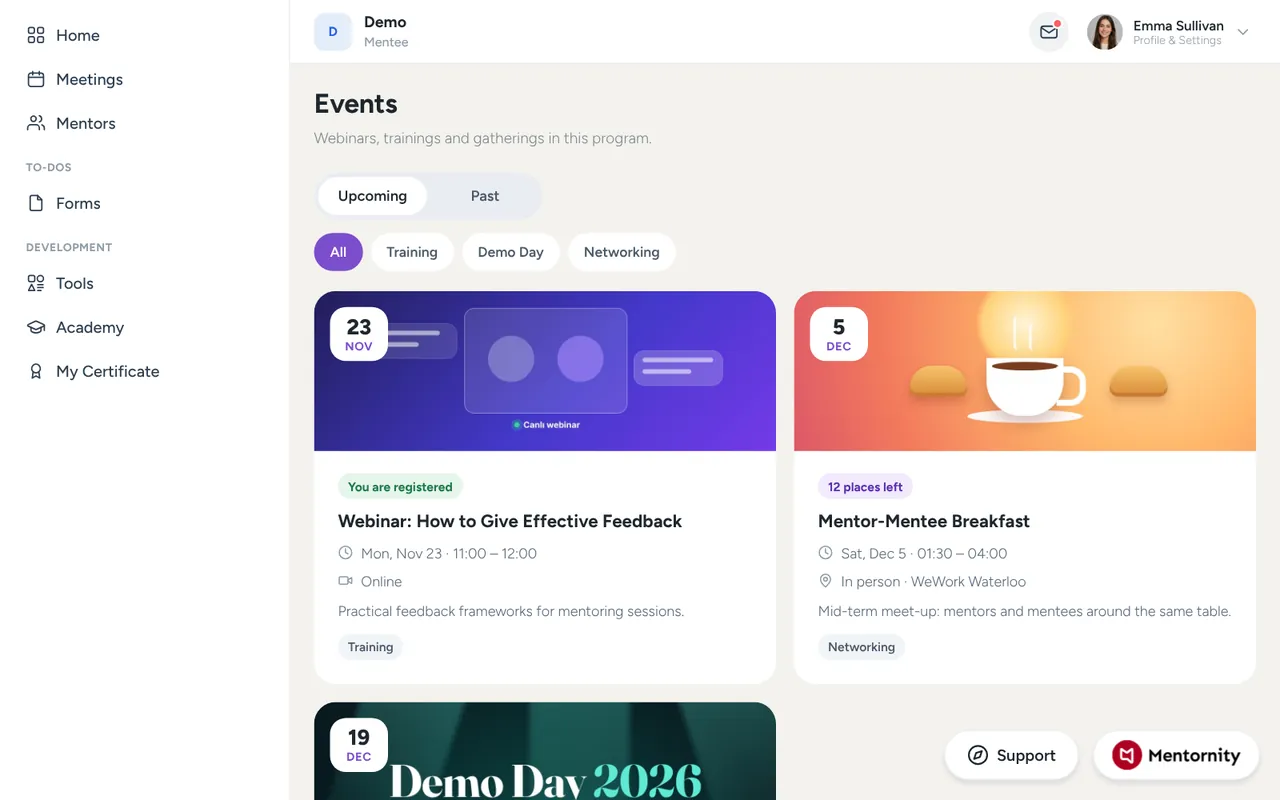
Run Events for Your Program
Open webinars, trainings and kick-off events from the panel. Employees sign up, get a calendar invite by e-mail, and you set the capacity.
- Webinars, trainings and kick-offs
- Capacity and waiting list
- Calendar invite by e-mail
- 15
June 11, 2026
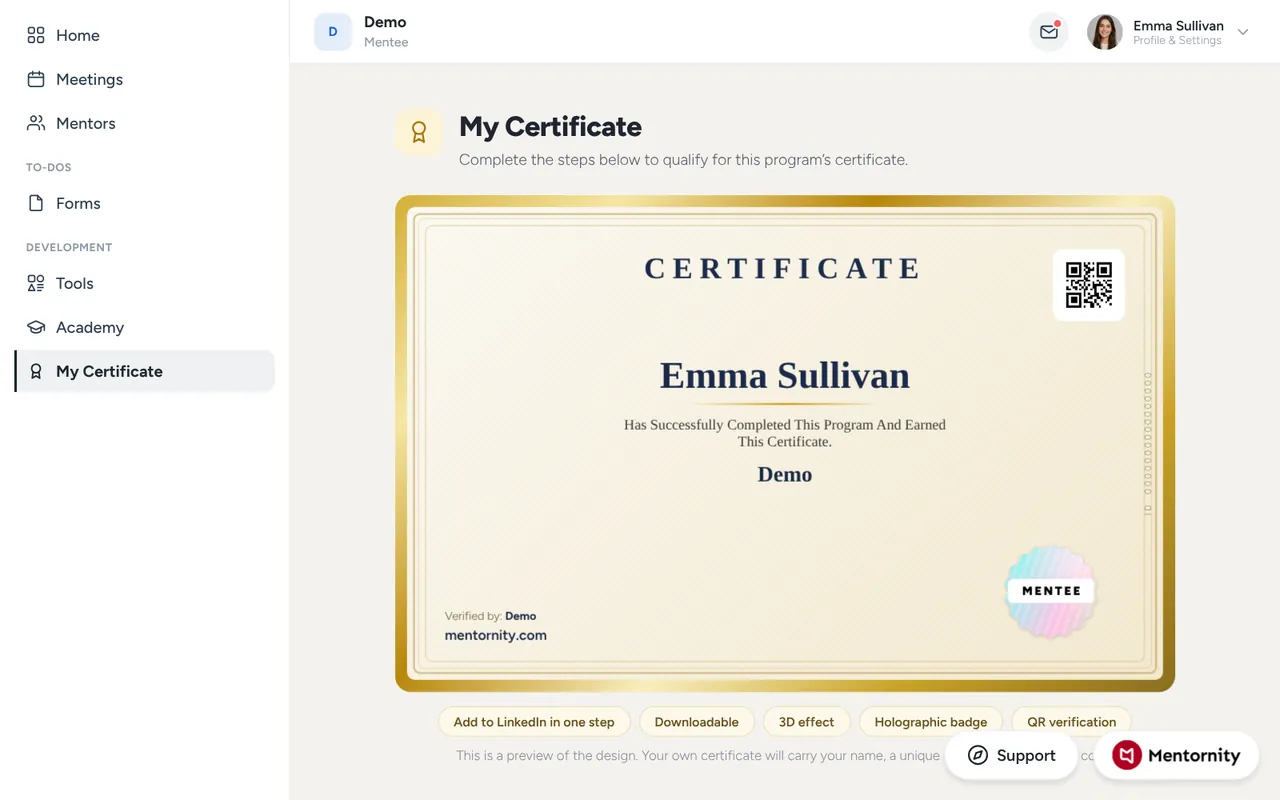
Certificate System
Give employees who complete the program a certificate with QR verification that they can add to LinkedIn.
- Certificate verified by QR
- Earned automatically by your rules
- Shared on LinkedIn



A year of updates
Each card has its own page on What’s New.
Matching and meetings
-
October 10, 2026
Matching From the Mentee Side
Start matching from a mentee employee and pick the mentor that best fits their development goal.
-
September 2, 2026
Program Calendar: Every Mentor’s Hours on One Screen
Every mentor’s open hours on one screen: who is free when and which slots are taken. Day, week or month view.
-
July 25, 2026
Time Limits for Matches
Matches complete on their own at the end of the term you set, and employees and admins are told in time.
-
September 20, 2026
AI Rule: A Third Rule Type That Reads Free Text
The algorithm reads the goals and experience two employees wrote themselves and scores the fit, finding matches that department rules alone miss.
Program management and HR reporting
-
September 23, 2026
Mailing System: Targeted Email From Your Program Data
Every list in the panel is an e-mail audience: matches that have not met for 60 days, mentors without open hours, employees who skipped a form.
-
September 29, 2026
Coordinators Assigned by Rules
Assign coordinators for each location, department or business unit to matches automatically, by rule.
-
March 22, 2026
Renewed Reporting
View HR reports without downloading them: new report types, charts and PDF, Excel or CSV export.
-
November 16, 2026
Invitation reminders
Remind employees who have not accepted their invitation, all at once from the people table, and lift participation.
-
November 2, 2026
Shared custom fields
Define department, title or location once and use the same field across every program in your company.
-
October 5, 2026
Program Settings, Redesigned
Settings pages are easier to read, and group programs get a new privacy setting.
Employee experience
-
October 25, 2026
Live messaging
Messages arrive without a page refresh, with typing and seen marks and file sharing, as smooth as your workplace chat.
-
November 16, 2026
Game-like mentoring tools
Four new tools play like a game, making career and decision conversations more engaging for employees.
-
October 7, 2026
My Programs: Every Program on One Dashboard
An employee in several programs sees their upcoming meetings and open tasks on one page.
-
June 5, 2026
In-app Guide & Support Center
An in-app guide for mentors and mentees, built for their role and language, so fewer questions reach HR.
Enterprise security and brand
-
November 3, 2026
Customer panel
One panel for companies running several programs: every program, every employee and the matches that need attention.
-
November 15, 2026
White label in the customer panel
Run the program under your company’s brand and domain, set up from the customer panel.
-
November 2, 2026
Admin roles
Give HR, business partners and coordinators the role that fits: you choose who sees and who changes what.
-
September 7, 2026
Detailed Logs: Who Changed What, and When
Every admin action is logged: who changed what, and when. Ready for internal audit.
-
November 15, 2026
Access requests and admin access
Your account owners decide who can reach the company’s records, and approve access requests in one place.
-
July 24, 2026
Program Agreements
Publish your confidentiality and participation agreements; employees read and accept them before they join.
-
July 9, 2026
New Invitation Experience & Security
A company-branded invitation page and, on request, a one-time code as a second check.
-
October 7, 2026
Admin Panel in Spanish and French
The admin panel now also runs in Spanish and French, so global teams work in their own language.
Let’s have a short call about the updates
If you like, we can go through these updates with your program in 15 minutes and answer your questions.
What do you think, and what do you need?
Write to us here with your thoughts on the updates or anything your program needs; our product team reads every note.
If anything needs an answer, we’ll get back to you by e-mail.
It could not be sent. You can e-mail us directly: info@mentornity.com